
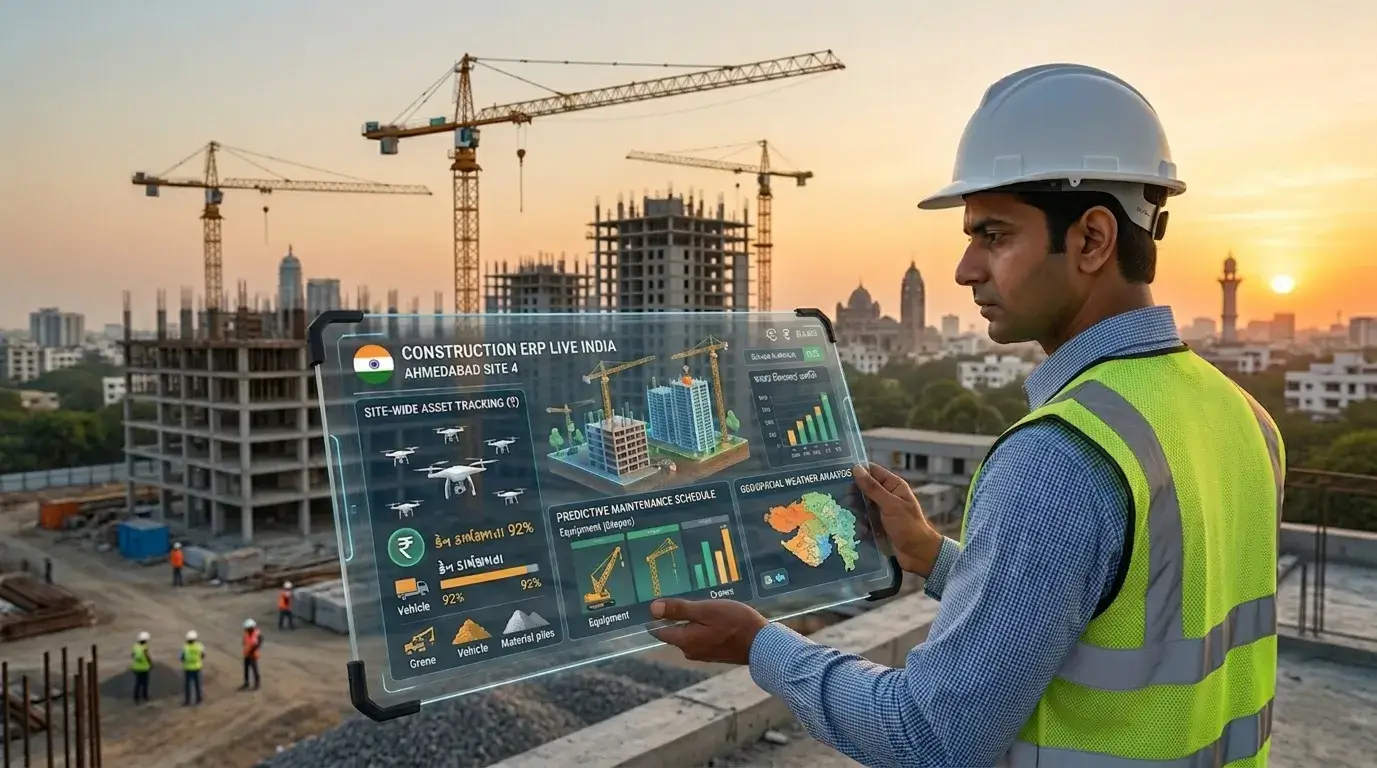
Walk into any small or mid-size construction company in India and you will find the same story: dozens of Excel files, a WhatsApp group for site updates, and a finance team that reconciles everything manually at month-end. Excel has been the default tool for Indian builders and contractors for decades — but it was never designed for the complexity of construction project management.
This guide compares Construction ERP vs Excel across the areas that matter most to Indian construction businesses — and explains why thousands of builders and contractors are making the switch.
Excel appears free. But for construction companies managing multiple projects, the hidden costs are significant:
| Function | Excel | Construction ERP (Inniti) |
|---|---|---|
| BOQ vs Actual Tracking | Manual, error-prone | Automated real-time variance alerts |
| Multi-User Access | File locking, version conflicts | Role-based access, simultaneous users |
| Procurement & PO | Separate file, manual entry | Integrated with inventory and finance |
| GST & TDS Compliance | Manually calculated | Automated, GST-ready reports |
| Labour & Payroll | Separate sheet, monthly | Daily attendance, auto payroll |
| Client Billing | Manual invoice creation | Auto-generated from milestones |
| Inventory Management | Not integrated | Real-time stock at site level |
| Subcontractor Management | Manual tracking | Work orders, bills, retention |
| Equipment & Machinery | Log book / separate sheet | Usage, maintenance, cost allocation |
| MIS Reports | Manual pivot tables, hours of work | One-click dashboards, live data |
| Audit Trail | None — changes overwrite history | Full transaction log, user-level |
| Mobile Access | Limited (file sharing) | Full mobile app for field teams |
| Data Security | Shared files, email attachments | ISO 27001 certified, role permissions |
When you have 3 or more active project sites, managing separate Excel files for each site and trying to consolidate them into a company-level view becomes a full-time job. Data gets stale, errors creep in, and senior management is always working from last week's numbers.
Construction ERP gives you a single dashboard showing all sites — budget consumed, materials at site, pending bills, and labour attendance — in real time.
In Excel, the purchase order is in one file, the goods receipt note in another, and the vendor invoice in the accounts team's file. Three-way matching (PO vs GRN vs Invoice) is done manually, often resulting in duplicate payments or missed discounts.
Inniti ERP integrates procurement, inventory, and accounts — so a purchase order automatically flows to stock receipt, generates a payable entry, and alerts the finance team when payment is due.
By the time Excel data is compiled and a cost overrun is visible, it is often too late to correct course on the current project. The damage is already done.
ERP systems track BOQ vs actual in real time. When material consumption or labour cost exceeds budget by a defined threshold, an automated alert is triggered — giving management time to act.
Construction billing in India involves complex GST calculations (18% on works contracts, TDS on subcontractor payments, retention amounts held and released). Getting this right in Excel requires dedicated effort and carries high compliance risk.
Inniti ERP automates GST and TDS calculation on every transaction — purchase orders, subcontractor bills, client invoices — and generates compliant reports for filing.
You are ready to switch if any of the following apply to your business:
The transition from Excel to ERP does not have to be disruptive. Inniti ERP follows a structured migration approach:
| Phase | Activity | Timeline |
|---|---|---|
| 1. Discovery | Business process review, data audit | Week 1 |
| 2. Configuration | System setup, masters, workflows | Week 2–3 |
| 3. Data Migration | Import vendor, project, BOQ data from Excel | Week 3–4 |
| 4. Training | Role-based user training, parallel run | Week 4–6 |
| 5. Go-Live | Live transactions, hypercare support | Week 6–8 |
Inniti ERP is purpose-built for India's construction industry — not a generic ERP with construction bolt-ons. With ISO 9001 and ISO 27001 certification, 43+ active clients, and dedicated support for contractors, builders, RMC plants, and real estate developers, Inniti ERP is the trusted choice for Indian construction businesses making the move from Excel.
Ready to move beyond Excel?
Call: +91 99040 40186 |
Email: info@innitisoftware.com |
Book a Free Demo
Scan the QR to call